Detailed requirements for Amazon and Shopify product images in 2026. Learn optimal dimensions, formats, and best practices for high-converting storefronts.
Stop relying on 72 DPI for web graphics. Understand how pixel density, PPI, and DPI actually affect your images across high-res displays and physical prints.
Learn the compositional rules of cropping to avoid awkward amputations, maintain context, and draw the viewer's eye to the most important parts of the image.
Developers often struggle with blurry canvas exports, loss of transparency, and EXIF metadata stripping. Here is how to fix the most common canvas API issues.
Learn how to prepare a batch, choose the right dimensions and quality settings, and verify your exported images before uploading. This step-by-step checklist covers supported formats and privacy considerations.
Preserve your original high-resolution files, export accurately to the required target dimensions, and compare quality settings side-by-side. Ensure your final photo batch is perfect for print or digital delivery.
Standardize your entire ecommerce product catalog with consistent sizes. We cover checking crops, handling background transparency, maintaining color profiles, and meeting strict storefront requirements.
See exactly what local browser-based image processing protects and what metadata remains. Understand what data still travels online, and learn how to independently verify network requests for peace of mind.
Resize a working copy of your assets, measure the live page load time, and learn exactly which image settings affect performance metrics. Optimize your Largest Contentful Paint (LCP) for better SEO rankings.
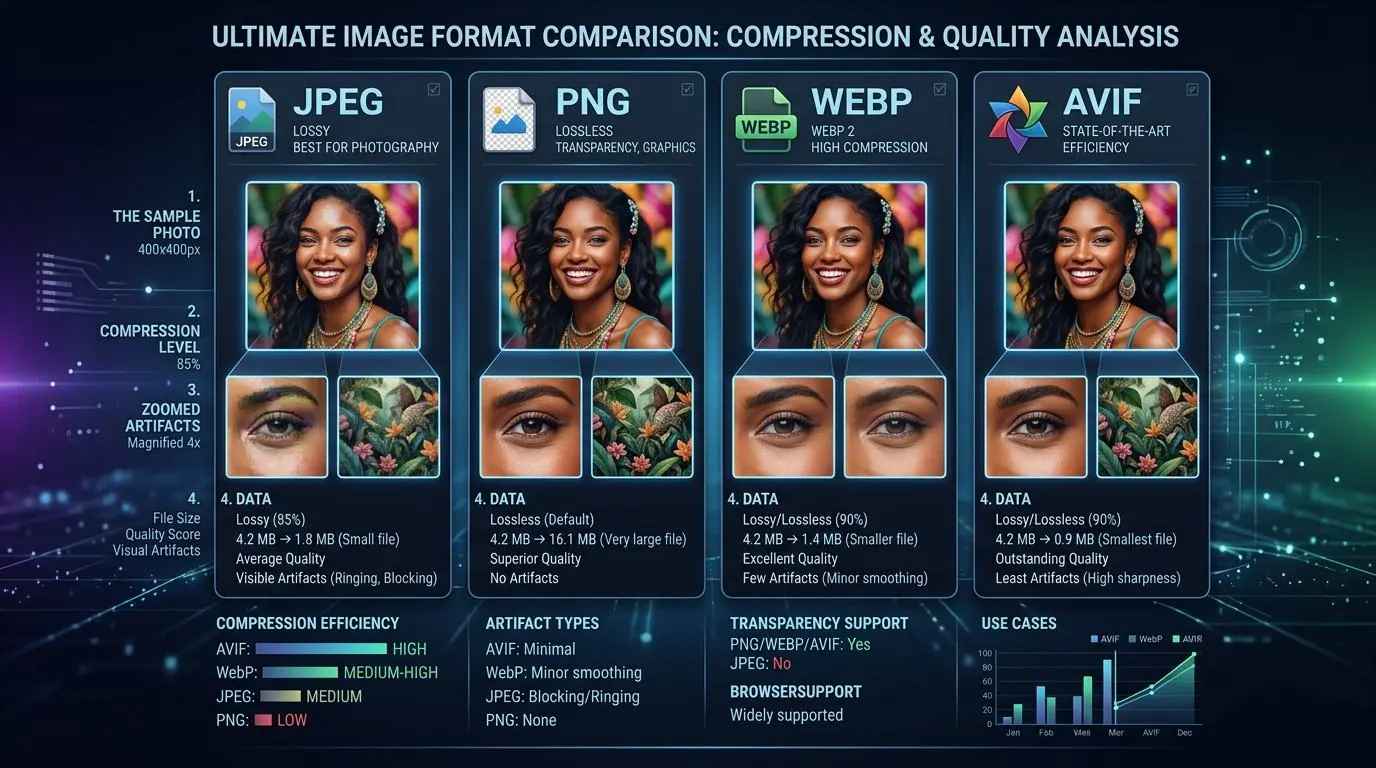
Compare transparency, visual detail, and browser compatibility across modern image formats. Test JPEG, PNG, WebP, and AVIF export quality using your own source files to find the best balance.
Choose the right social media placement and verify the most current platform specifications. Preview how your image crop will look on mobile devices across Twitter, Facebook, LinkedIn, and Instagram.
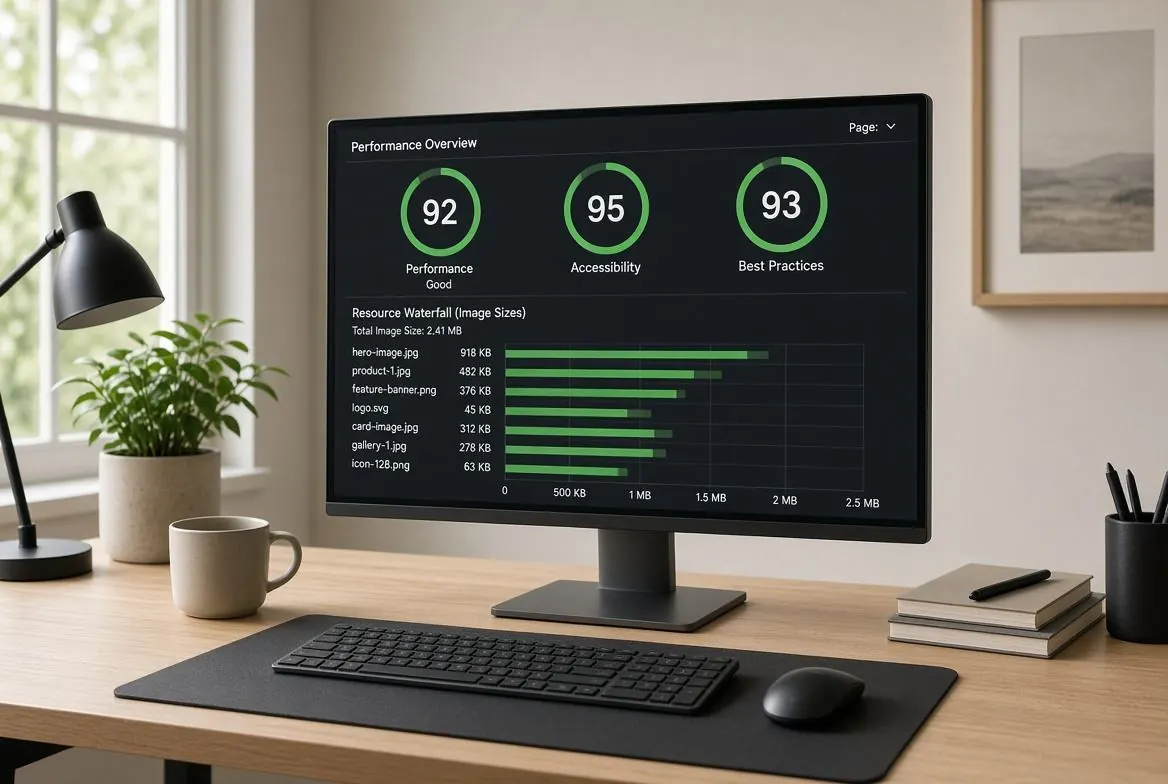
Identify oversized image assets flagged by Google PageSpeed Insights, export a properly sized copy, and recheck your live page. Fix Layout Shifts and improve your Core Web Vitals score easily.
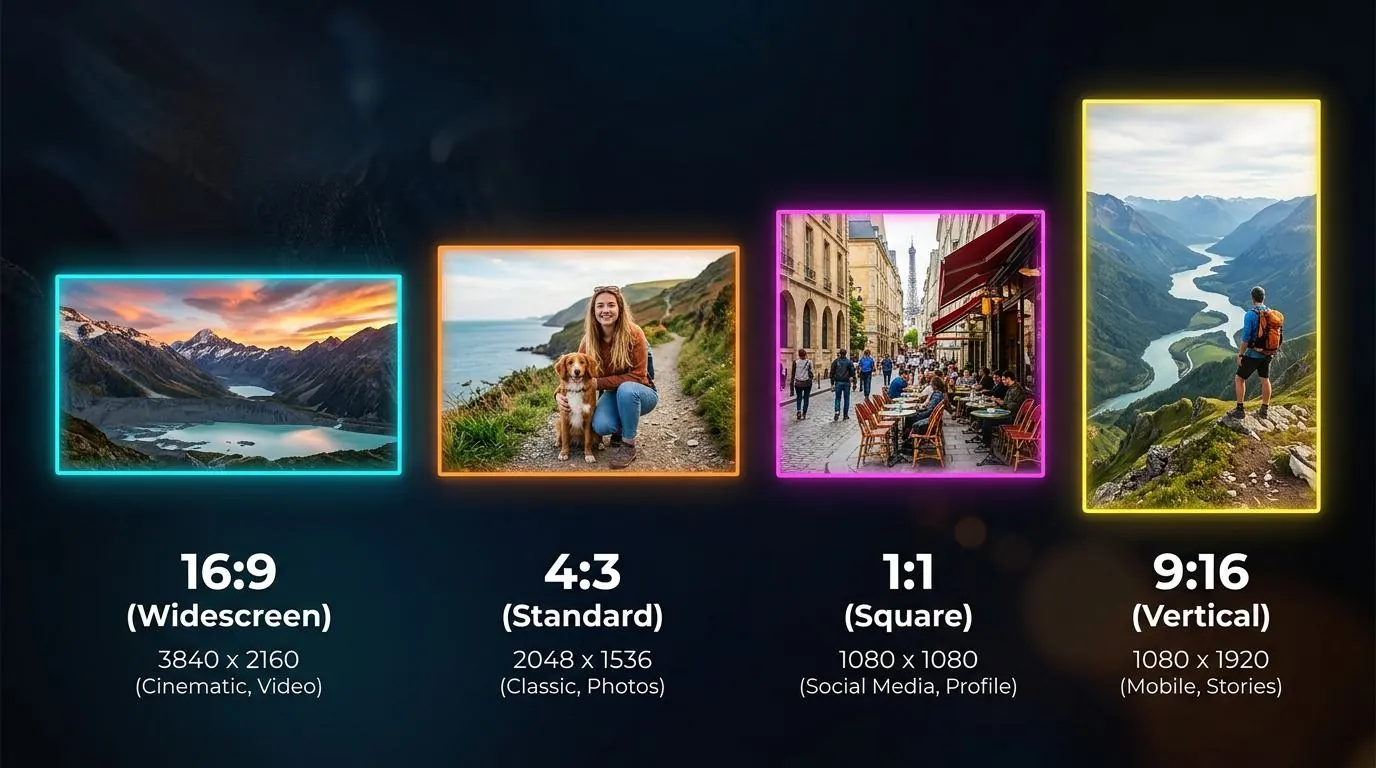
Calculate common screen and print ratios to ensure perfect framing. Learn when to choose between proportional resizing, cropping out edges, or adding letterbox margins without stretching the image.
Review enterprise file handling policies, approved internal tools, device access permissions, and download histories. Use this checklist before adopting a browser-based workflow for GDPR and HIPAA compliance.
Start with the page, product listing, or social placement where the image will appear. Match dimensions to that placement, compare a few exports, and check the result before you replace the original.
Core Web Vitals & LCP
Measure the live page before and after changing an asset. Correct dimensions can reduce image transfer, while responsive markup, caching, and the rest of the page also affect performance.
Client-Side Privacy
Resize.one processes selected images in your browser without sending image files to an image-processing server. This can reduce one data transfer; it does not certify an organization’s legal or compliance workflow.
Aspect Ratios & Proportions
With aspect ratio lock enabled, entering both target dimensions fits the image inside those bounds without stretching. Cropping to a new composition still requires choosing which part of the image to remove.
Ready to resize a few images?
Start with a small batch of JPG, PNG, or WebP images. Choose your dimensions, check the results, and save individual files or a ZIP.
 E-Commerce