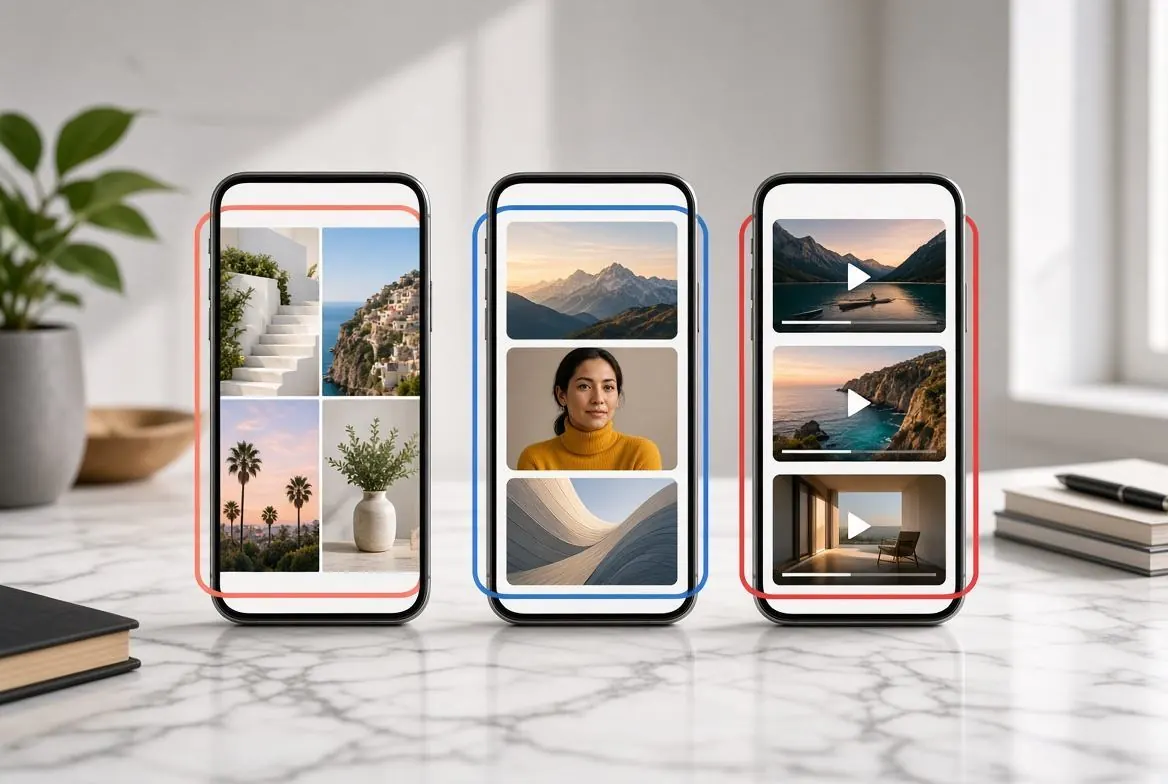
Managing social media in 2026 requires understanding the nuanced image requirements across multiple platforms. What looks perfect on Instagram might be awkwardly cropped on LinkedIn, and a high-resolution Twitter post might look soft if compressed incorrectly.
This comprehensive guide breaks down the exact dimensions, aspect ratios, and file size limits for every major social network in 2026. We also cover best practices for avoiding algorithmic compression and ensuring your visuals stay sharp on high-density Retina and OLED displays.
Instagram Image Sizes (2026)
Instagram has heavily prioritized vertical content (Reels and Stories) over the last few years, but the traditional feed remains crucial for brand identity. In 2026, Instagram supports wider color gamuts, meaning your P3 (Display P3) color profiles will finally render correctly on supported devices.
Profile Picture
- Recommended Size: 320 x 320 pixels
- Aspect Ratio: 1:1 (Displays as a circle)
- Pro Tip: Keep your logo or face dead center. Ensure there is enough padding around the edge so nothing important is cut off by the circular crop.
Feed Posts (Square, Portrait, and Landscape)
- Square (1:1): 1080 x 1080 pixels. This is the safest format for the feed grid.
- Portrait (4:5): 1080 x 1350 pixels. Highly Recommended. Portrait images take up more vertical screen real estate, increasing engagement times as users scroll.
- Landscape (1.91:1): 1080 x 566 pixels. Avoid unless necessary, as it takes up the least amount of screen space.
Stories and Reels Covers
- Recommended Size: 1080 x 1920 pixels
- Aspect Ratio: 9:16
- Safe Zone: Leave 250 pixels at the top and bottom free of text or logos to account for the app interface (profile handle and interaction buttons).
X (formerly Twitter) Image Sizes (2026)
X’s image cropping algorithm has evolved. It now displays uncropped images in the timeline for most standard aspect ratios, but understanding the limits will prevent awkward compression artifacts.
Profile and Header
- Profile Picture: 400 x 400 pixels (Displays as a circle).
- Header Image: 1500 x 500 pixels (3:1 ratio). Note that the profile picture covers the bottom-left corner of the header on desktop, and the bottom-center on mobile. Keep critical text in the upper right.
In-Stream Photos
- Recommended Size: 1600 x 900 pixels (16:9) or 1080 x 1350 pixels (4:5).
- Maximum File Size: 5MB for photos (up to 15MB on the web app).
- Format Tip: X heavily compresses JPEGs. For text-heavy images or infographics, upload as PNG-8 or WebP to prevent compression artifacts around the lettering.
LinkedIn Image Sizes (2026)
LinkedIn remains the standard for B2B networking. Unprofessional, pixelated images here can actively harm your brand’s credibility.
Company Pages
- Company Logo: 300 x 300 pixels (Square).
- Page Cover Image: 1128 x 191 pixels. This is an unusually wide 5.9:1 ratio. Keep it simple and abstract, as the layout shifts dramatically between mobile and desktop.
Post Images and Link Previews
- Shared Image (Feed): 1200 x 627 pixels (1.91:1) or 1080 x 1080 pixels (1:1). Square images now perform better on the LinkedIn mobile app feed.
- Article Cover Image: 1200 x 644 pixels.
Facebook Image Sizes (2026)
Despite age, Facebook still drives massive traffic. Getting the link preview image right is the single most important factor in Facebook CTR (Click-Through Rate).
Pages and Profiles
- Profile Picture: 176 x 176 pixels on desktop, 196 x 196 on smartphones. Upload a 500 x 500 pixel image to be safe.
- Cover Photo: 820 x 312 pixels (Desktop) and 640 x 360 pixels (Mobile). The mobile safe zone is the center 640 x 312 pixels. Keep all text within this central box.
Link Previews and Ads
- Link Preview (OG Image): 1200 x 630 pixels. If your image is smaller than 600 x 315 pixels, Facebook will generate a tiny thumbnail instead of a full-width image.
- Facebook Stories: 1080 x 1920 pixels (9:16).
How to Avoid Algorithmic Compression
Social networks compress your images to save server costs. If you upload a 10MB photo, their algorithms will aggressively crush it, often resulting in muddy colors and jagged edges. Here is how to beat the algorithm:
- Pre-Compress Your Images: Don't let Instagram or X compress your files. Use a tool to export your images at 85% JPEG quality or as a high-quality WebP. If your file is already under 500KB, the platform's algorithm is less likely to re-compress it aggressively.
- Upload at the Exact Dimensions: If Instagram wants 1080px wide, give them exactly 1080px wide. If you upload a 4000px wide image, Instagram's internal resizing tool will downscale it, which uses a faster, lower-quality interpolation method than your local photo editor.
- Sharpen for the Screen: Before uploading, apply a slight unsharp mask to your image. Social media platforms slightly blur images during compression. Pre-sharpening counteracts this effect, leaving your final post looking crisp.
Summary Checklist
To summarize, if you want a "one size fits all" approach for posting a single image across Instagram, X, Facebook, and LinkedIn in 2026:
- Use 1080 x 1080 pixels (Square). It is natively supported and looks great on every platform's mobile and desktop feed.
- Export as WebP or high-quality JPEG.
- Keep file sizes under 1MB.
